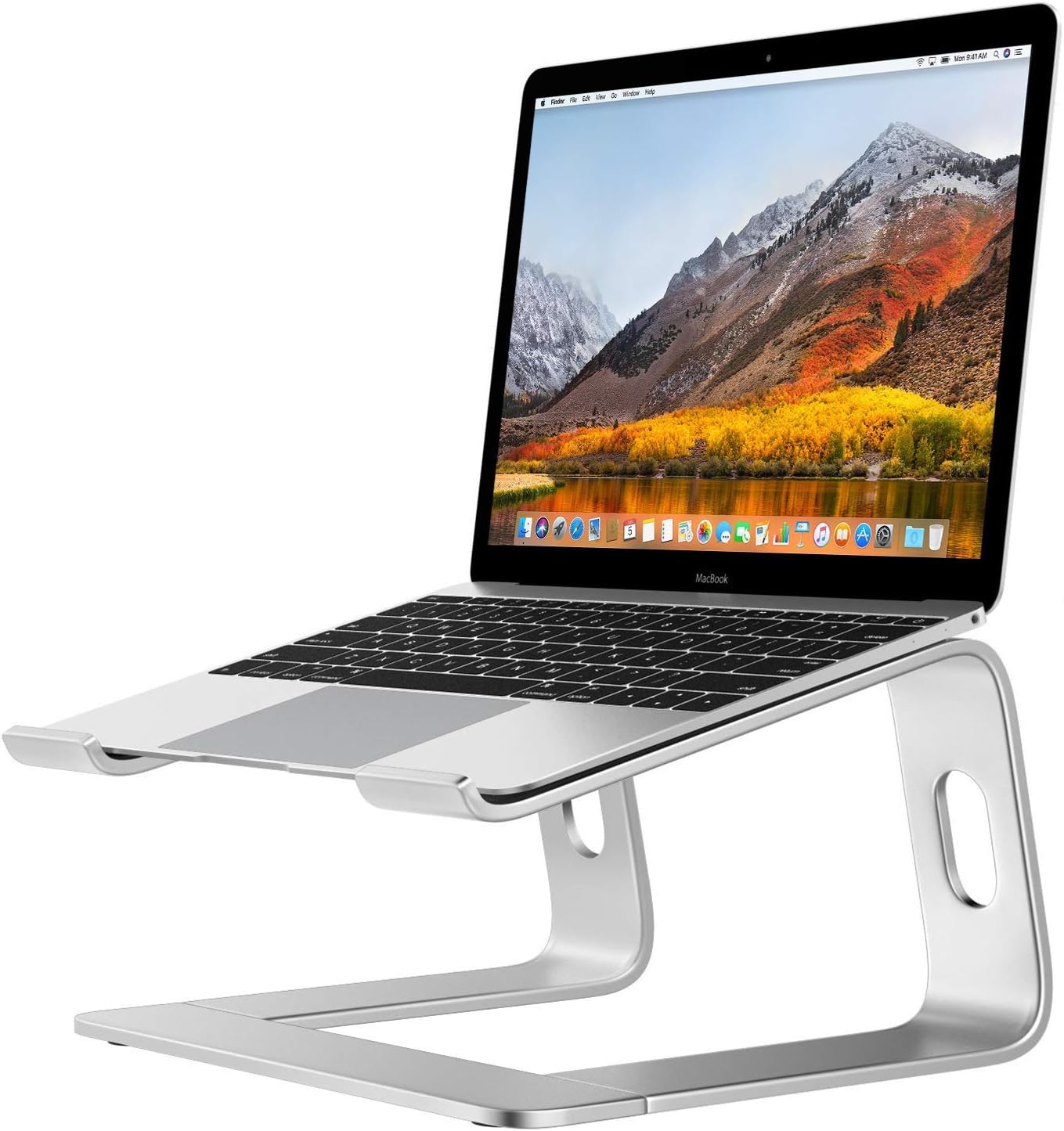
What is your teens screen setup for DL?

Anonymous
Anonymous wrote:Why would students need second monitors? I understand that they are useful for teachers who are screen sharing to be able to see their students. My 15 yr ols has one screen. I am a teacher and I am thinking of taking his screen to be my second screen and he can just use his laptop.


I can see for watching the class on one screen and doing the work on the other. Or for the same reason I do - so I can keep in the info visible while also doing the work.
Anonymous
Just a laptop for my freshman. I can’t believe they really need two screens.
Anonymous
Anonymous wrote:Golly my senior has just a laptop. Are your kids running trading desks?


Same lol
Anonymous
Anonymous wrote:Golly my senior has just a laptop. Are your kids running trading desks?


Being on a laptop for hours and hours is not good for your neck.

I am surprised more people don't know this. Your screen should be elevated to eye level.

Casual use for homework is different from hours per day for distance learning.
Anonymous
Anonymous wrote:
Anonymous wrote:Golly my senior has just a laptop. Are your kids running trading desks?


Being on a laptop for hours and hours is not good for your neck.

I am surprised more people don't know this. Your screen should be elevated to eye level.

Casual use for homework is different from hours per day for distance learning.


You put the laptop on a textbook to elevate it to eye level. Voila!
Anonymous
Anonymous wrote:
Anonymous wrote:
Anonymous wrote:Golly my senior has just a laptop. Are your kids running trading desks?


Being on a laptop for hours and hours is not good for your neck.

I am surprised more people don't know this. Your screen should be elevated to eye level.

Casual use for homework is different from hours per day for distance learning.


You put the laptop on a textbook to elevate it to eye level. Voila!
+1 or use something like this.


Anonymous
Anonymous wrote:
Anonymous wrote:Golly my senior has just a laptop. Are your kids running trading desks?


Being on a laptop for hours and hours is not good for your neck.

I am surprised more people don't know this. Your screen should be elevated to eye level.

Casual use for homework is different from hours per day for distance learning.
'

I propped mine up on the box it came in. Perfecto!
Anonymous
Anonymous wrote:
Anonymous wrote:Golly my senior has just a laptop. Are your kids running trading desks?


Being on a laptop for hours and hours is not good for your neck.

I am surprised more people don't know this. Your screen should be elevated to eye level.

Casual use for homework is different from hours per day for distance learning.


You are slow
Anonymous
Anonymous wrote:If he has an iPad he can use that as a second monitor with the duet app. Or just get a monitor they aren’t expensive: or Apple TV and airplay to the tv


Yeah, I don't see the appeal of Duet, at $20/year. In a few years I've bought a very nice second monitor, though I guess if you need touchscreen itd be more
Anonymous
Anonymous wrote:
Anonymous wrote:
Anonymous wrote:Golly my senior has just a laptop. Are your kids running trading desks?


Being on a laptop for hours and hours is not good for your neck.

I am surprised more people don't know this. Your screen should be elevated to eye level.

Casual use for homework is different from hours per day for distance learning.


You put the laptop on a textbook to elevate it to eye level. Voila!


More than one book though, unless your child is very small.
Anonymous
I've been using a laptop for work for over 20 years without issue. I fail to see what the need for this is.
Anonymous
Monitor, keyboard, mouse. No need to start young with body problems stemming from all day only on a laptop.

We have desks with the monitors at eye level and arms comfortably at/just above desk level. Younger one has a kitchen stool to rest feet on since desk is high.
post reply Forum Index » Tweens and Teens
Message Quick Reply
Go to: